
Smart door opening sensor Elektrostandard, 95x40x20 mm, white color


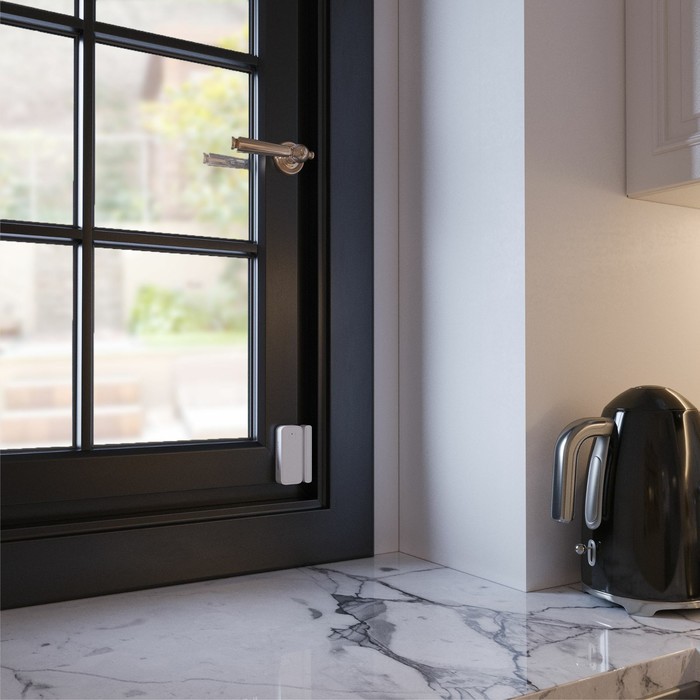
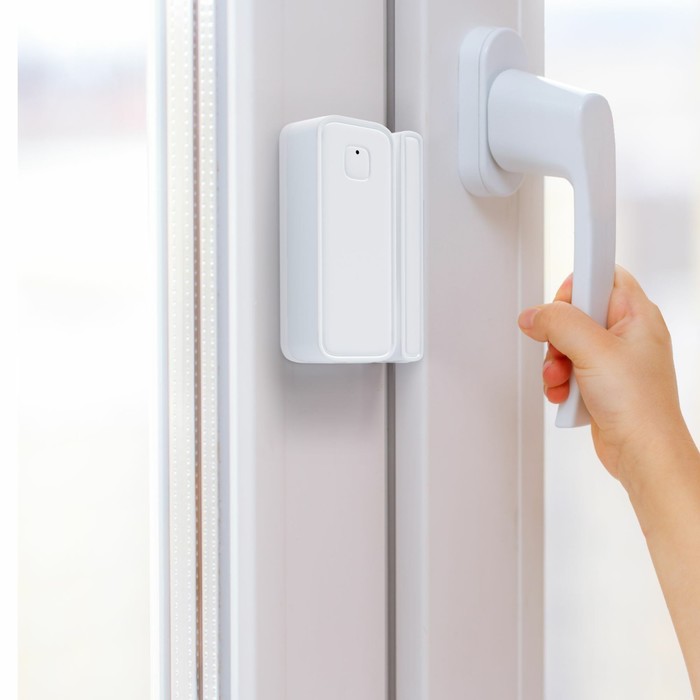
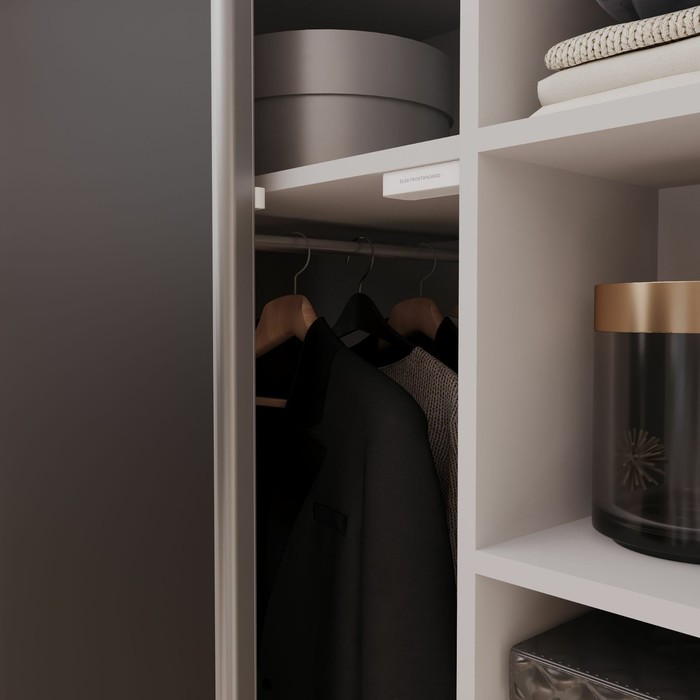


The opening sensor of doors and windows is part of the minimir home
ecosystem, receive notifications on the smartphone about the opening of doors and windows, for example, in case of unauthorized penetration or if the child tries to open a window/balcony without demand. The sensor can also be used to automatically turn on the lighting in the room.
The Minimir Home application setting to work with the
application is available for smartphones based on iOS and Android. The smart device requires Wi-Fi 2.4 GHz.
1. Connect your smartphone to the Wi-Fi network.
2. Install the free Minimir Home application.
3. Log in the Minimir Home application.
4. Turn on Bluetooth on the phone.
5. Turn on your smart device and translate it into the conjugation mode with a long click of the Reset button. The rapid flashing of a light indicator means that the device is successfully converted into a mating mode.
6. Add your smart device in the Minimir Home application, for this, click “+” in the upper right corner.
7. Click the “forward” button, the conjugation process will be completed automatically. At the first connection, it may be required to introduce a login and password from the Wi-Fi network.
8. Your smart device is added in the Minimir Home application and is ready to work.
In the Minimir Home application on the page of the device interface User can:
- View the current state and status of the device;
- gain access to the journal/archive of the condition of the device;
- turn on or off the notifications of events.
through the menu of additional settings of the device, the user can configure/change the following parameters:
- the name of the device;
- view the basic information about the device;
- alerts about the loss of the Wi-Fi signal;
- check the availability of the network Wi-Fi and the availability of updates;
- delete the attachment of the device to the current account and return to the factory settings.
In the “Scenarios” section, the user has the opportunity to configure various work scenarios Other smart devices upon the occurrence of triggers, launch group scenarios with several devices.
The following functions are available in the Profile account settings menu:
- setting up the account profile;
- accessing access for family members and guests;
- management of groups of devices and premises;
- access to the center of notifications with a list of received notifications;
< P>- FAQ- the most frequently asked questions;- a technical support chat.
| Characteristics | |
| A country | China |
| Color | White |
| Degree of protection | IP20 |
| Electric current protection class | III |
| Height, see | 2 |
| Interface | Wi-Fi |
| Length, see | 9.5 |
| Management of the lamp | Smart House |
| Purpose of the premises | Bedroom |
| Tension, c | 3 |
| The color of the base | White |
| The material of the base | Plastic |
| Type | Overhead |
| Type of installation | District |
| Type of notification | On a smartphone, computer, watch |
| Type of power | From batteries |
| View | Opening sensors |
| Voice Assistant | No |
| Warranty period, months. | 24 |
| Wi-Fi | Yes |
| Width, see | 4 |
| Wireless interfaces | No |
There are no reviews for this product.